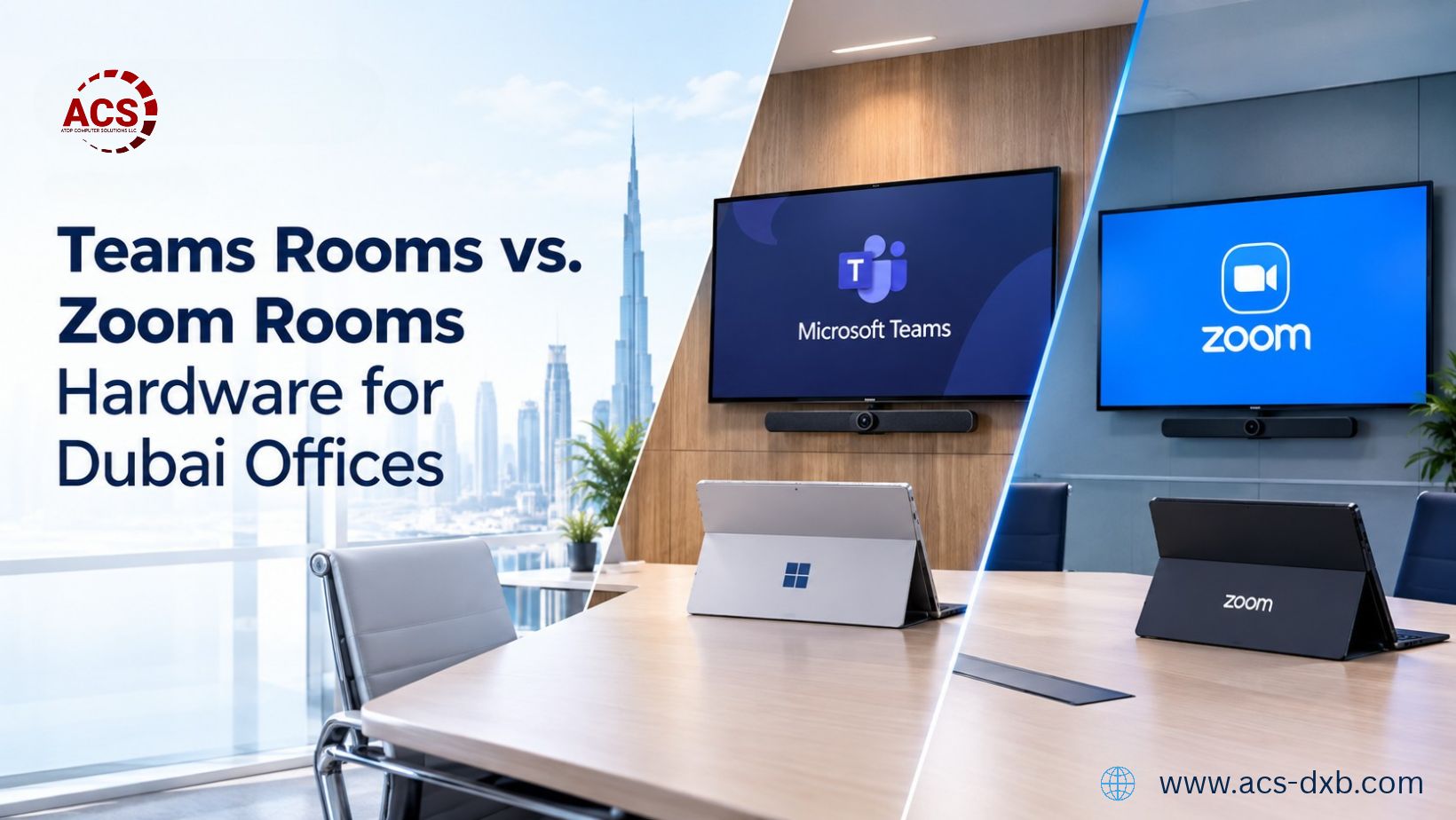
Teams Rooms vs. Zoom Rooms Hardware for Dubai Offices
Modern businesses rely on video conferencing to communicate with employees, clients, suppliers, and remote teams. Choosing the right meeting room hardware is essential for clear communication, smooth collaboration, and professional presentations. For companies in Dubai, Microsoft Teams Rooms and Zoom Rooms are two popular options for creating efficient hybrid meeting environments.
Although both platforms support video meetings, they differ in software integration, hardware compatibility, user experience, and deployment requirements. Businesses comparing Teams Rooms vs Zoom Rooms hardware for Dubai offices should consider their existing communication tools, room size, budget, and future business needs before making a decision.
Atop Computer Solutions LLC helps businesses evaluate their meeting room technology requirements and identify suitable equipment for modern workplace collaboration.
Why Choosing the Right Meeting Room Hardware Matters
A professional meeting room requires more than a display and an internet connection. Cameras, microphones, speakers, room controllers, and compatible conferencing systems must work together to provide a consistent meeting experience.
Businesses investing in Microsoft Teams Rooms hardware Dubai solutions may benefit from streamlined collaboration when Microsoft Teams is already their primary communication platform. Similarly, organisations that use Zoom for internal meetings and client communication may find Zoom Rooms hardware in Dubai better suited to their existing workflows.
The right equipment can improve audio clarity, video quality, meeting accessibility, and room management. Selecting compatible hardware from the start also reduces installation difficulties and avoids unnecessary replacement costs.
Teams Rooms vs Zoom Rooms Hardware: Key Differences
Microsoft Teams Rooms and Zoom Rooms both support dedicated meeting room environments. However, the best option depends on how a business conducts meetings and which collaboration platform employees already use.
1. Microsoft Teams Rooms Hardware and Compatibility
Microsoft Teams Rooms solutions UAE are designed for meeting spaces that use Microsoft Teams. Compatible systems can include a room computer or appliance, a touch controller, a conference camera, microphones, speakers, and one or more displays.
These systems allow employees to join meetings, access scheduled calendar events, share presentations, and collaborate with colleagues using a dedicated room interface. For organisations already using Microsoft 365, Teams Rooms can provide a familiar meeting experience.
When evaluating Microsoft Teams Rooms hardware in Dubai, businesses should check device certification, room size requirements, display compatibility, microphone coverage, and support for their preferred meeting features. Hardware selection should also account for whether the room requires a Windows-based system or an appliance-based configuration.
2. Zoom Rooms Hardware and Compatibility
Zoom Rooms solutions UAE are intended for organisations that use Zoom as their primary video conferencing platform. A typical setup includes a compatible room system, touch controller, camera, microphones, speakers, and display equipment.
Zoom Rooms supports scheduled meetings, room-based controls, content sharing, and collaboration features, depending on the selected configuration and software capabilities. Dedicated hardware can help employees start meetings without relying on a personal laptop for every session.
When comparing Zoom Rooms hardware in Dubai, organisations should assess device compatibility, controller options, audio and video performance, and the features included in their chosen Zoom plan. They should also confirm whether their existing room equipment can be reused or requires replacement.
3. Compare Audio, Video, and Room Controls
Audio and video quality are critical for productive hybrid meetings. A suitable camera should capture participants clearly, while microphones and speakers should provide understandable conversations without excessive echo or background noise.
Businesses researching video conferencing hardware in the UAE should consider room dimensions, seating arrangements, lighting conditions, and the number of people who regularly attend meetings. A small huddle room may need a compact all-in-one device, while a large conference room may require multiple microphones, additional speakers, and advanced camera coverage.
Touch controllers should also make it easy to join meetings, adjust settings, and share content. The best configuration is one that employees can operate confidently with minimal technical assistance.
4. Integration With Existing Business Systems
Integration is another important consideration when choosing between the two platforms. Organisations using Microsoft 365 extensively may prefer Teams Rooms because it aligns with their existing calendars, collaboration tools, and workplace processes.
Businesses that rely on Zoom for meetings and external communication may prefer Zoom Rooms to maintain a consistent user experience. However, the availability of interoperability features depends on the specific devices, software versions, subscriptions, and configuration.
Before purchasing hardware, companies should confirm which conferencing platforms they need to support and whether meetings hosted on other platforms can be accessed using their preferred room system.
5. Installation, Maintenance, and Scalability
A successful meeting room deployment requires proper planning, installation, network configuration, and testing. Businesses should evaluate power availability, cable routing, network bandwidth, device management, and ongoing technical support.
Professional conference room equipment Dubai solutions should be selected according to the intended use of each room rather than relying on the same equipment for every space. A scalable design also makes it easier to add meeting rooms or upgrade existing systems as business requirements change.
Essential Hardware for Teams Rooms and Zoom Rooms
The following table outlines common equipment categories that businesses should consider when planning their meeting rooms.
The final equipment selection should reflect room size, meeting frequency, platform requirements, and budget. Not every room needs advanced hardware, so businesses should prioritise devices that address their actual collaboration needs.
Teams Rooms vs Zoom Rooms: Which Is Better for Dubai Offices?
The choice depends on your organisation's existing technology environment and meeting requirements. Teams Rooms may be a strong fit for businesses that depend on Microsoft Teams and Microsoft 365. Zoom Rooms may suit companies that primarily use Zoom and want a dedicated room experience built around that platform.
When evaluating meeting room technology solutions in Dubai, businesses should compare total ownership costs, licensing, hardware certification, support arrangements, and future expansion needs. They should also consider whether employees regularly meet with external organisations using different conferencing platforms.
Companies looking for business video conferencing systems in the UAE should test the proposed setup before deployment. A demonstration can help verify camera coverage, audio performance, screen sharing, meeting controls, and compatibility with existing devices.
How Atop Computer Solutions LLC Can Help
Atop Computer Solutions LLC can help businesses assess meeting room requirements and plan suitable conferencing infrastructure. This process may include reviewing room dimensions, evaluating compatible hardware, considering network requirements, and identifying equipment that aligns with the organisation's collaboration platform.
Businesses exploring corporate meeting room solutions in Dubai should consider both immediate needs and long-term scalability. Selecting the right combination of cameras, microphones, displays, controllers, and conferencing systems can help create a reliable and professional meeting environment.
A structured approach to planning can reduce compatibility issues, improve usability, and support more effective communication between in-office and remote participants. For more information about meeting room technology and suitable hardware options, visit the Atop Computer Solutions LLC website.
Conclusion
Choosing between Microsoft Teams Rooms and Zoom Rooms hardware depends on your business communication needs, existing software, meeting room size, and budget. While Teams Rooms can be a suitable choice for organisations using Microsoft 365, Zoom Rooms may be ideal for businesses that rely on Zoom for daily collaboration. Both platforms can support professional meeting environments when paired with compatible cameras, microphones, displays, and room controllers.
For businesses comparing Teams Rooms vs Zoom Rooms hardware for Dubai offices, it is important to evaluate compatibility, audio and video quality, installation requirements, licensing, and long-term maintenance before making a decision. Atop Computer Solutions LLC can help businesses explore suitable conference room equipment Dubai options and plan reliable meeting room technology solutions Dubai according to their requirements. Selecting the right hardware today can improve collaboration, simplify meetings, and support future business growth.
Frequently Asked Questions (FAQs)
Q1. What is the main difference between Teams Rooms and Zoom Rooms hardware?
Microsoft Teams Rooms is designed around Microsoft Teams, while Zoom Rooms is designed around Zoom. Both use compatible room hardware for video conferencing, content sharing, and meeting control, but their software integration and device requirements can differ.
Q2. Which hardware is suitable for small Dubai office meeting rooms?
Small meeting rooms may work well with a compact video conferencing bar that combines a camera, microphones, and speakers. Businesses should select equipment based on room size, seating, acoustics, platform compatibility, and the number of participants.
Q3. Can Teams Rooms and Zoom Rooms use the same meeting room equipment?
Some cameras, displays, microphones, and other peripherals may work with both platforms. However, complete room systems and controllers are not universally interchangeable. Businesses should verify official compatibility and certification before purchasing equipment.
Q4. What should businesses consider before buying video conferencing hardware in the UAE?
Businesses should evaluate hardware compatibility, audio and video quality, room dimensions, network reliability, licensing, installation costs, warranties, and technical support. Testing the proposed configuration before deployment is also recommended.
Q5. Should a business choose Teams Rooms or Zoom Rooms for all its offices?
The decision depends on the organisation's existing collaboration tools, user preferences, meeting requirements, and budget. Standardising on one platform may simplify management, but businesses with different operational needs should evaluate each room before making a final decision.

Leave a comments